Snazooka is a live photo wall for weddings, birthdays and company events. Your guests scan a QR code on their table, and the photos and videos they take appear on the screen as the night goes on. Nobody needs to download an app, and you keep every photo afterwards.
The demo takes 30 seconds: scan a code with your phone and watch your photo pop up. No sign up, no card.
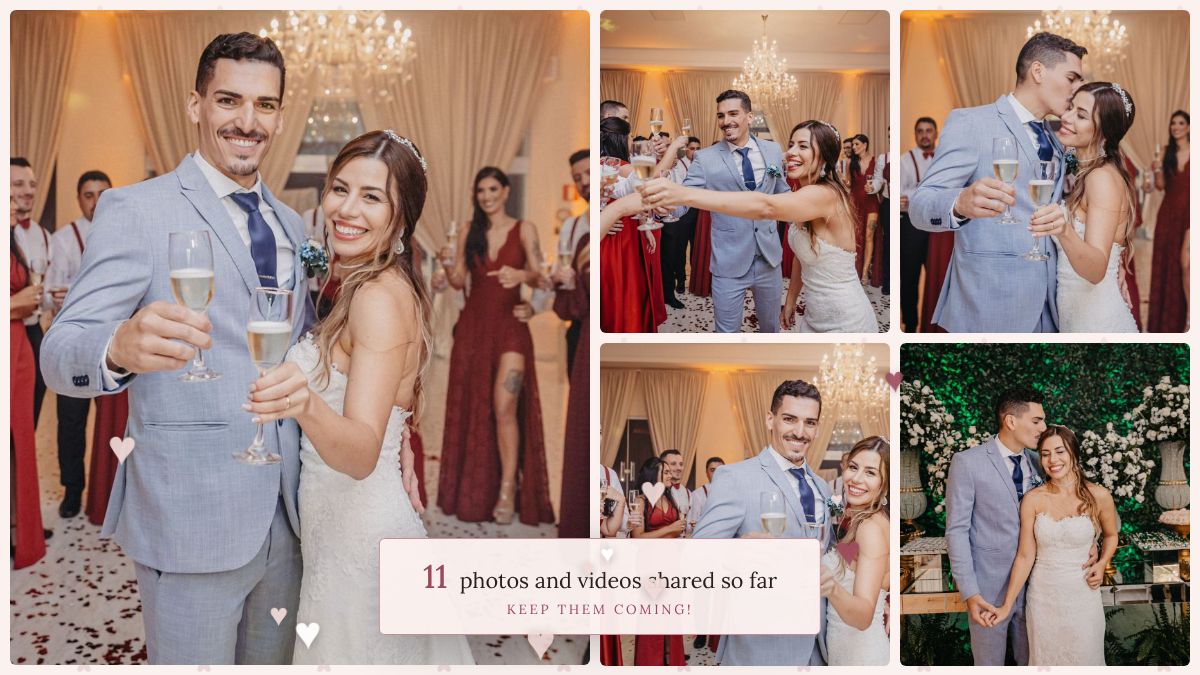
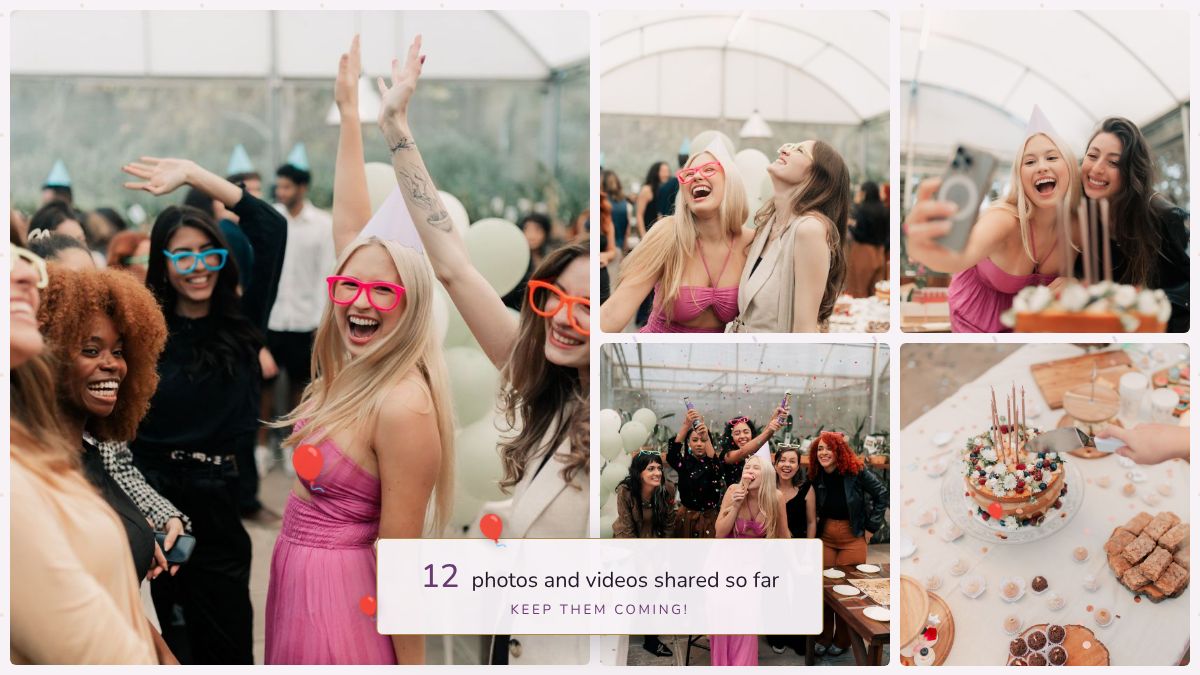
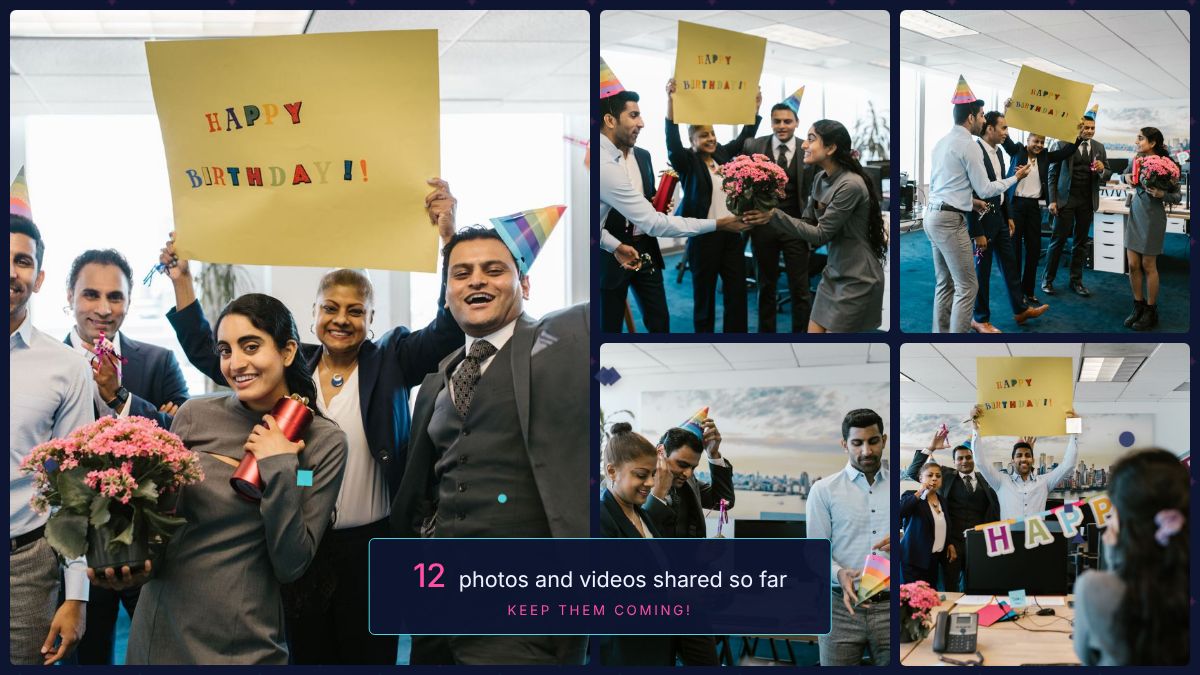
Choose the fonts, colours, frame and background, add your own picture or logo, and write the welcome in your own words. Here are three events set up in a few minutes each, as the screen looks before the first photo arrives.
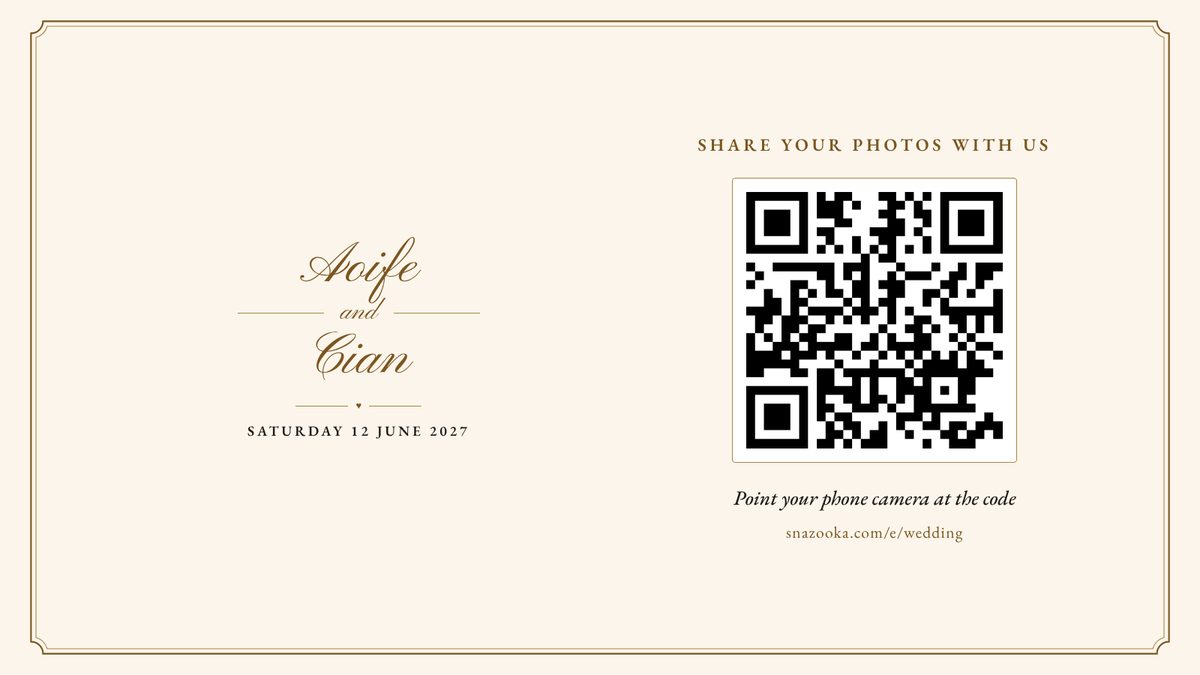
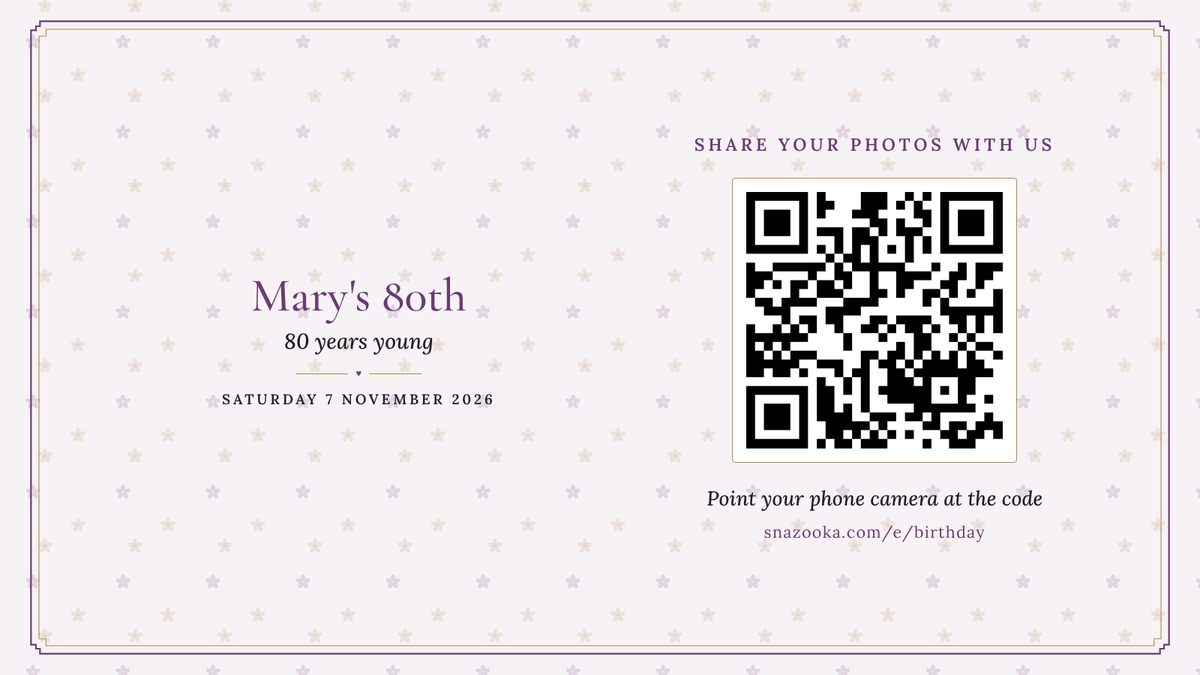
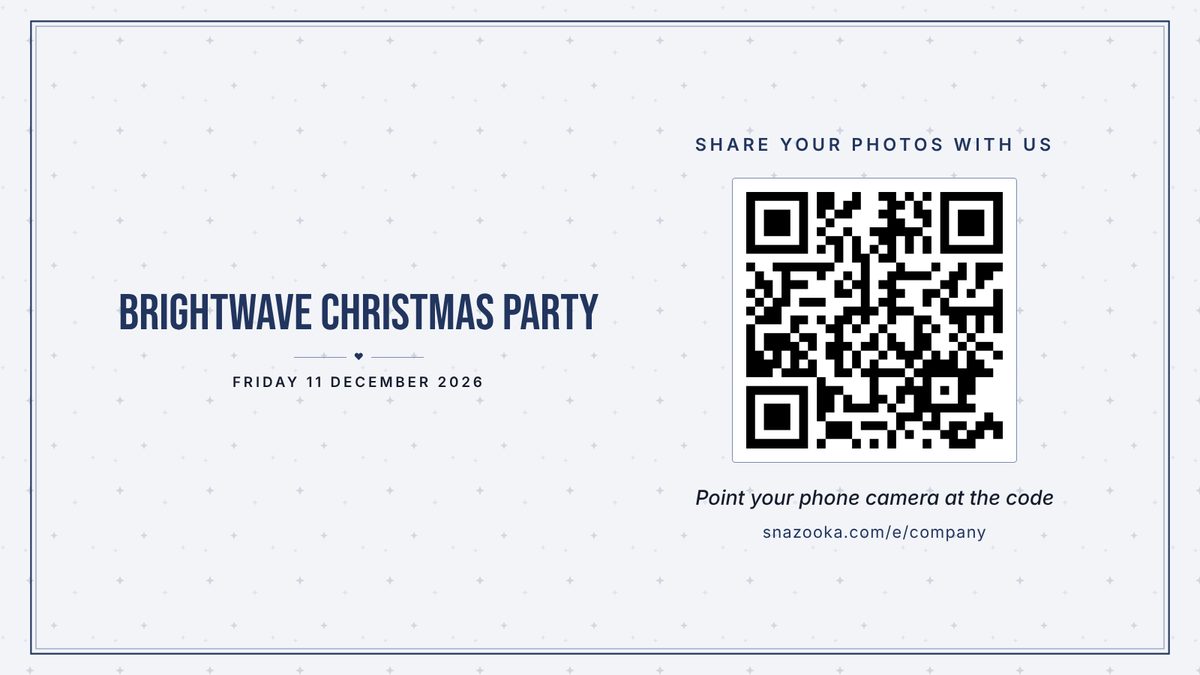
No subscription and no charge per guest. Try it free first, then upgrade when you're ready.
Launch offer
€24.99 €29.99
Everything you need for a wedding, birthday or party.
€0
A full rehearsal at home, or a small get-together.
Prices include VAT. You set up your event free and upgrade from your event's page whenever you like.
Event cancelled, or never used it? We'll refund you in full. More about pricing and refunds, including venues, DJs and companies.
No. They scan the QR code with their phone's camera, which opens a page in their browser. They type their first name and can start sharing straight away.
Any screen with a web browser will do. A laptop plugged into the venue's TV or projector with an HDMI lead works well, as does a smart TV's own browser. Open your event's screen link, click once for full screen, and leave it running.
Plug a laptop into it with an HDMI lead. That's the most reliable set-up anyway, and it's what we'd suggest for a wedding. A Fire Stick's browser works too. If the venue only offers Chromecast or Apple TV, cast or mirror the screen from a laptop or phone, though that depends on the venue's Wi-Fi more than a cable does.
Your event has a printable QR sign in the same look as your screen. Print it as an A5 sign, or as six table cards on one A4 sheet to cut up. Any home printer will do, or save it as a PDF and send it to a print shop with your other stationery.
Uploads keep trying for up to half an hour, and pick up where they left off when the signal comes back. Guests can keep the page open and carry on enjoying the night. The screen keeps showing the photos it already has if its own connection drops.
Yes. You can hide or delete any photo from your phone in a couple of taps, and it disappears from the screen at once. For company events or children's parties you can turn on approval, so nothing is shown until you've said yes.
Yes. A screen-sized copy goes up first so the photo appears quickly, and the original follows in the background. When you download everything you get the originals, videos included, in one zip file.
Yes to both. Guests can look through the album on their phones during the night and afterwards, and heart their favourites. On the Event plan uploads stay open until a week after your event, so photos from the camera roll can go in the next day. On the Free plan uploads close the morning after.
Guests can see the album for 30 days after the event on the Event plan. You can download everything at full size whenever you like, and we delete the event 90 days after uploads close. If you signed in with an email address, we send a reminder two weeks before.
Guests see a note that the album is full, and everything already shared stays on the screen. Two thousand is more than most weddings share. If you're expecting a bigger crowd, email us before the day and we'll sort it out.
If your event is cancelled or moved, or you simply don't use it, we'll refund you in full, however long ago you paid. As long as fewer than 25 guest photos have been shared, we count it as unused. Just email us.
Only people with your event's link or QR code, and the admins you choose. Your photos are stored in the EU, are never used for advertising and are never sold.
Yes, anywhere with an internet connection. Prices are shown in your own currency where we have one, including pounds, dollars and Swiss francs, and the screen, cards and guest page can be written in any language.
Email hello@snazooka.com and we'll get back to you as quickly as we can. Most problems on the night are the venue's Wi-Fi or a laptop going to sleep, and the screen guide that comes with your event covers both, so have a look there first.
Yes. If you run a lot of events we can set you up with a code so you pay less per event, and the screen can carry your own logo. Email hello@snazooka.com and tell us roughly how many events a year.