
Put a QR code on the tables and the photos your guests take go straight onto the big screen in the function room, with old photos of the birthday boy or girl mixed in. Afterwards you have every photo from every phone, in one place.
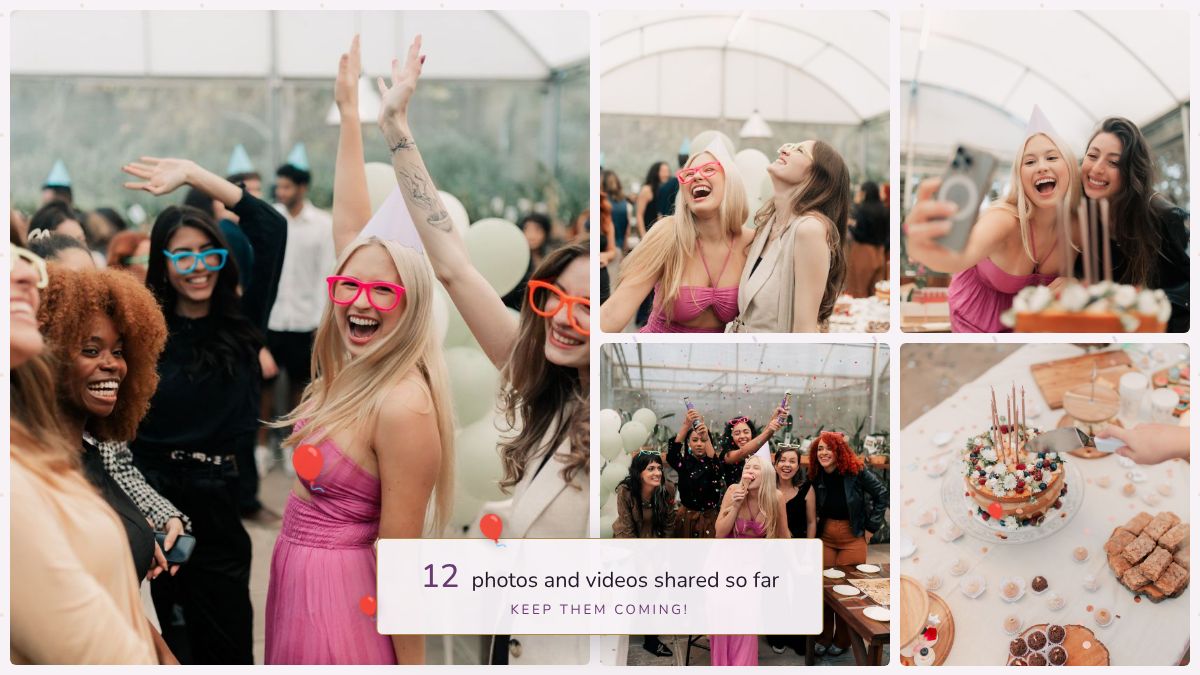
A 40th, 50th or 60th in the local. Most pubs have a TV in the function room. Plug a laptop into it and you're set. If the pub's Wi-Fi is poor, a phone hotspot for the laptop is enough, and guests use their own data.
An 80th with the whole family. Three generations in the room, and the older ones can use it as easily as the teenagers: scan, name, photo. Mix in the old black and white photos beforehand and watch people gather round the screen.
A kids' party. Turn on approval so nothing goes on the screen until you've said yes, and let the parents share rather than the children.
A surprise party. Set it all up in advance without the birthday person knowing. The screen shows a welcome card until the first photo arrives, so it's fine to have it running when they walk in.
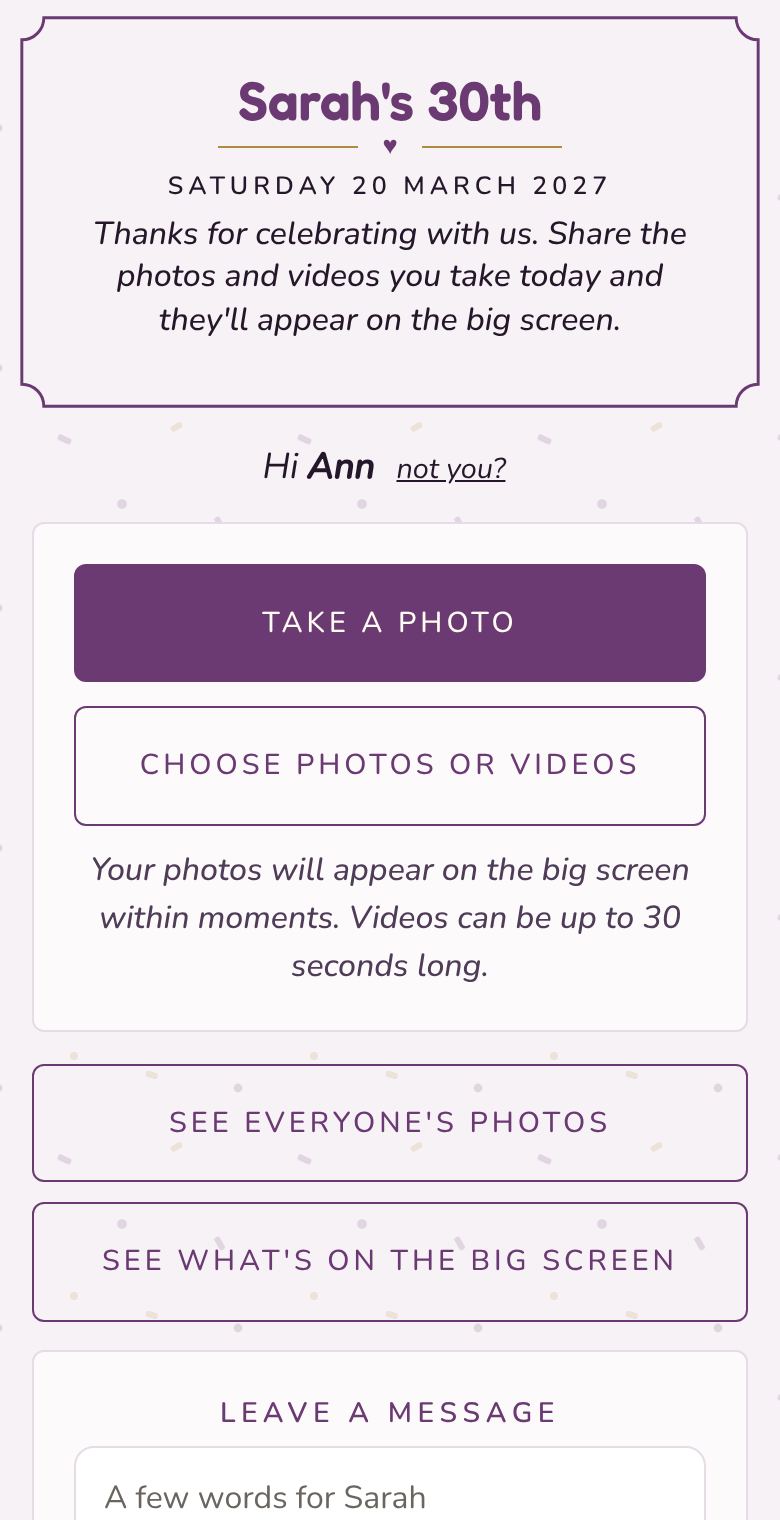
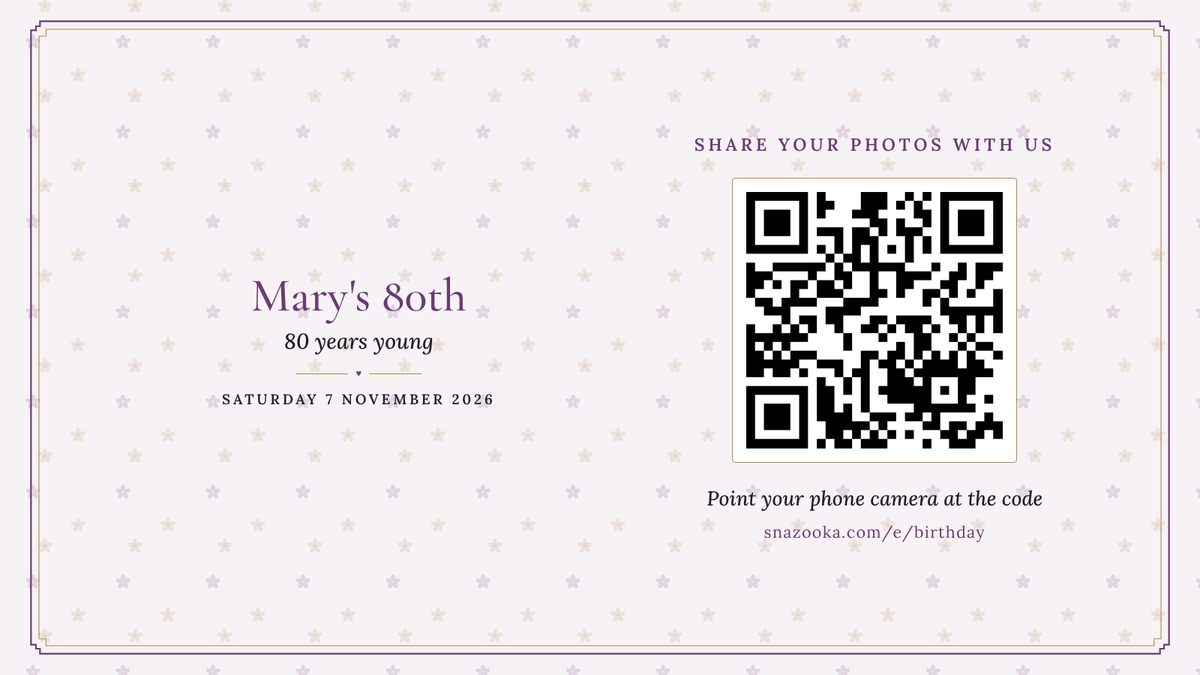
Choose the fonts, colours, frame and background, add a photo of the birthday person, and write the welcome in your own words. Then print the QR sign in the same look.
The Event plan is €24.99 €29.99, with up to 2,000 photos and 100 videos. For a small family do, the Free plan's 25 photos might be all you need. More about pricing.
Put the QR cards on the tables and let the screen do the asking. People share on the night because they can see their photo go up, and you have everything in one album the next morning instead of a dozen WhatsApp threads.
Yes. Scan your own QR code before the night and share them the same way guests do. They go into the slideshow with everything else, and you can add a message with each one.
Yes. Turn on approval in your event's settings so nothing is shown until you've said yes, and let the parents do the sharing. You can hide anything from your phone at any time.
Usually. Guests upload over their own phone data, and the uploads keep retrying for half an hour if the signal is patchy. For the screen itself, a phone hotspot for the laptop is enough, as it only downloads the screen-sized copies.
Yes. Set up the event, print the cards and open the screen before they arrive. Until the first photo arrives the screen shows a welcome card with their name and the QR code, which is a nice thing to walk in to.
A TV or projector with an HDMI lead and a laptop to plug into it, or a smart TV with a web browser. Our screen guide covers the set-up and takes about five minutes.
More answers in the questions on the home page.