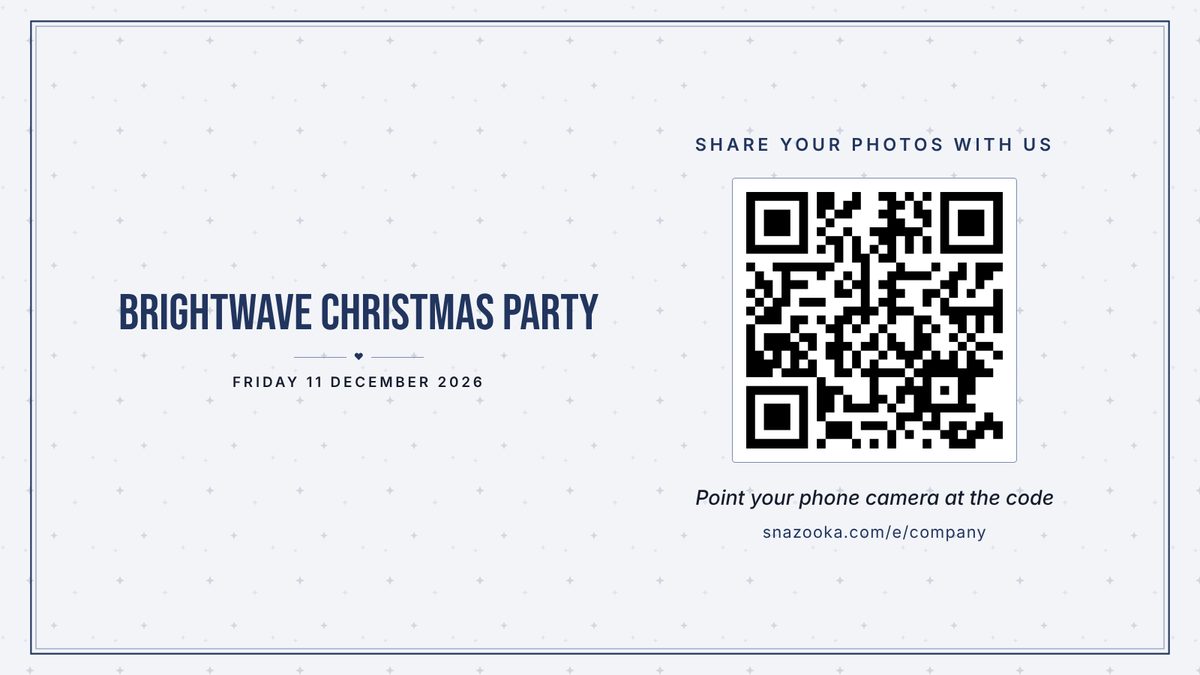
A photo wall for the Christmas party, the awards night and the conference

Your staff scan a QR code and the photos they take go up on the screen in the room, with your logo on it, and nothing shown until you've approved it if you'd rather. Afterwards, every photo is in one place for the internal newsletter and the LinkedIn post, with no chasing.
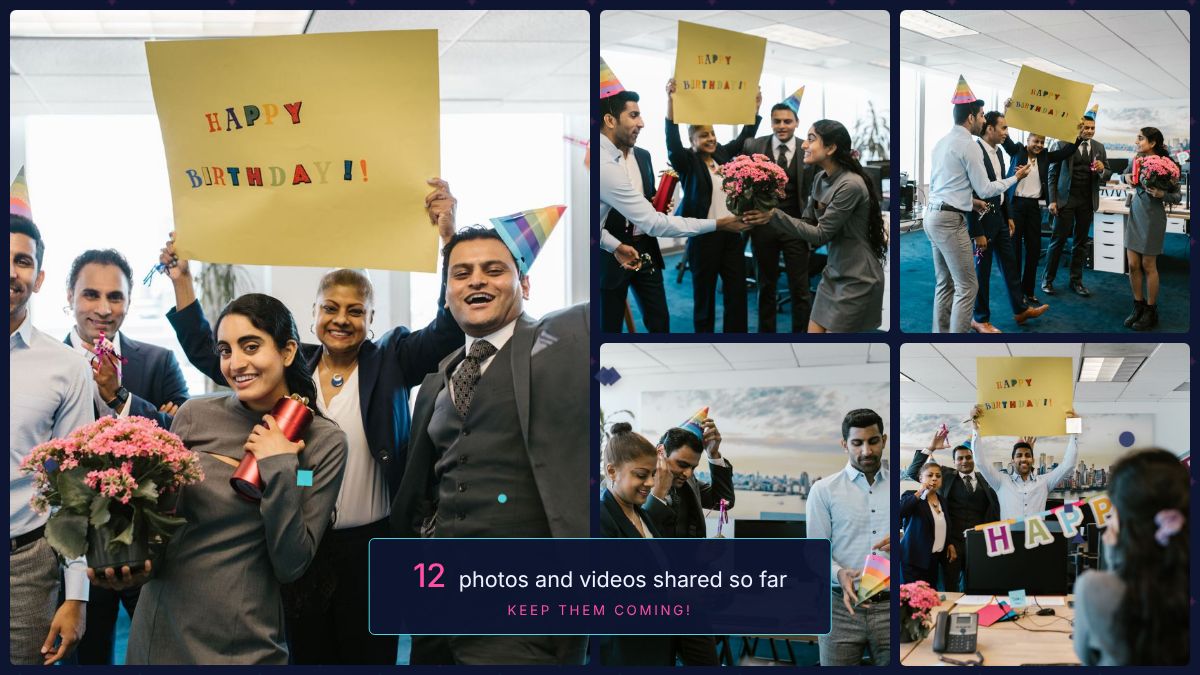
The live photo wall at an office party, showing a collage of staff photos

How it works at a company event

  1. Set it up in the officeAdd the event name and date, upload your logo, and pick your brand colours. The screen, the guest page and the QR cards all carry the logo. It takes a few minutes and needs no help from IT.
  2. Decide who sees whatTurn on approval and nothing goes on the screen until someone on your team has said yes, from their phone. Add a couple of colleagues as admins so it isn't all on one person.
  3. On the nightOpen the screen on the venue's TV or projector, or several screens at once, and put the cards on the tables. People scan, type a first name and share. Photo missions give them a nudge: "your table", "the best dressed", "the boss on the dance floor".
  4. The week afterDownload everything in one go for the newsletter, the intranet and the social posts, and delete anything you'd rather didn't live on. We delete the whole event 90 days after it closes.

Built with the company in mind

  • Your logo above the heading on every screen and page
  • Approval mode, so nothing is shown until you've said yes
  • Several admins, and the same screen link on as many TVs as you like
  • Photos stored in the EU and never used for anything but your event
  • A data processing agreement for your records, signed if you need it
  • A VAT receipt by email, or an invoice if accounts need one
  • One price per event, however many staff, and a code if you run several a year
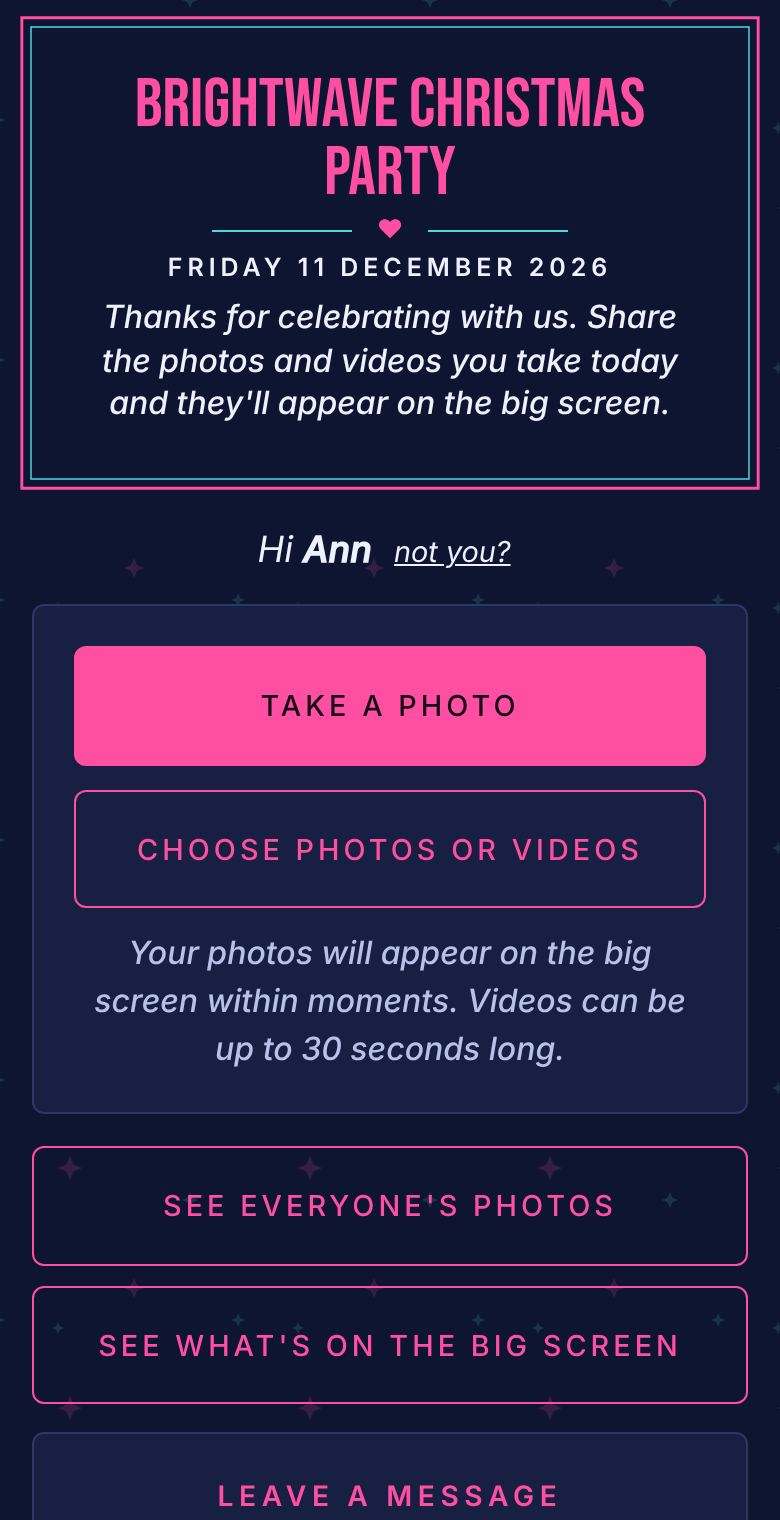
The guest page on a phone for a company Christmas party, in navy with stars
The guest page in the midnight look. Your logo would sit above the heading.

Which events it suits

A company Christmas party welcome screen in navy with stars
The Christmas party, before the first photo
An office party screen with a collage of staff photos
An office party later on, with the photos coming in

The Christmas party and the summer barbecue, where the point is the photos. Awards nights and long-service dinners, where a screen of the room's own photos beats a slideshow of logos. Conferences and team days, with the screen in the foyer during the breaks. Product launches and store openings, where you want every photo for marketing the next morning, with permission already sorted because people chose to share.

One price, whatever the headcount

The Event plan is €24.99 €29.99 per event, with up to 2,000 photos and 100 videos. Pay by company card at checkout and the VAT receipt arrives by email. More about pricing.

Questions

Can we put our logo on it?

Yes. Upload a PNG with a see-through background when you set up the event and it goes above the heading on the screen, the guest page and the printable QR cards. You can match your brand colours too.

Can we approve photos before they're shown?

Yes. Turn on approval in the event's settings and every photo waits in a queue until an admin taps yes on their phone. Add two or three colleagues as admins so there's always someone watching.

Can we pay by invoice and get a VAT receipt?

The checkout takes a company card and emails a receipt showing the VAT, which is enough for most finance teams. If you need a purchase order and an invoice instead, email hello@snazooka.com.

Where are the photos stored, and what about GDPR?

On Google Cloud servers in the EU. Staff choose what they share, nothing is used for anything but your event, and we delete it all 90 days after the event closes. Our data processing agreement sets this out, and we'll sign it if you need us to.

Can we run it on the stage screen and the bar screen at once?

Yes. The screen is a web page, so open the same link on as many laptops or TVs as you like. They all show the same photos.

Can we download everything for internal comms afterwards?

Yes. Everything comes down in one zip at full size, videos included, from your event's page. Hide or delete anything first that shouldn't go in the newsletter.

We run several events a year. Is there a better rate?

Email us with a rough number and we'll give you a code that takes a chunk off each event.

More answers in the questions on the home page.