
Every Snazooka event comes with printable QR cards in the same look as your screen: table cards, postcards, business cards, a sign for a frame, and posters up to A3. Print them at home, send them to a print shop, or download the code on its own for your own stationery. They're free with every event, including the Free plan.
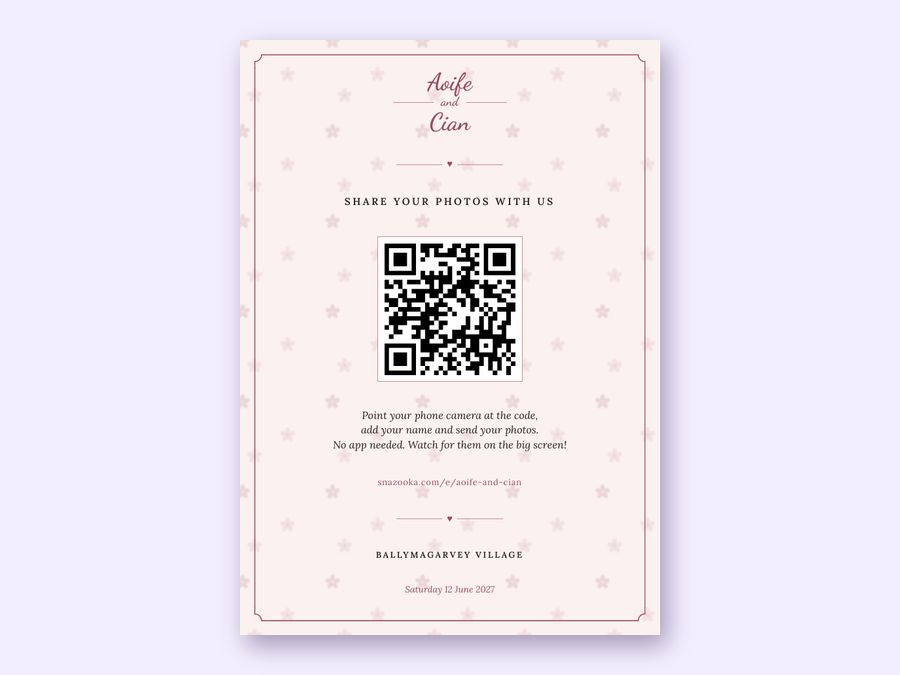
Your names, the date and the venue go on automatically, in the fonts, colours and background you chose for your screen. Change the look and the cards change with it.
| Format | Size | Where it goes |
|---|---|---|
| Sign | A5, or 5.5 by 8.5 in | A table frame, the bar, the cake table |
| Poster | A4, or US Letter | The entrance, the bar, the loos |
| Big poster | A3, or 11 by 17 in | The entrance or beside the big screen, printed at a print shop |
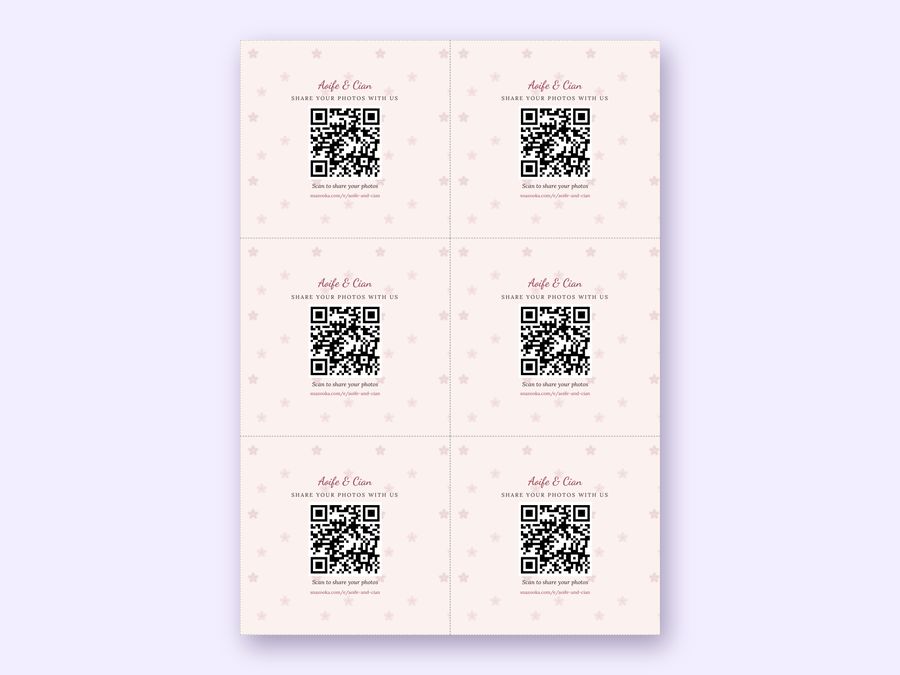
| Table cards | Six to an A4 or Letter sheet | One on every table |
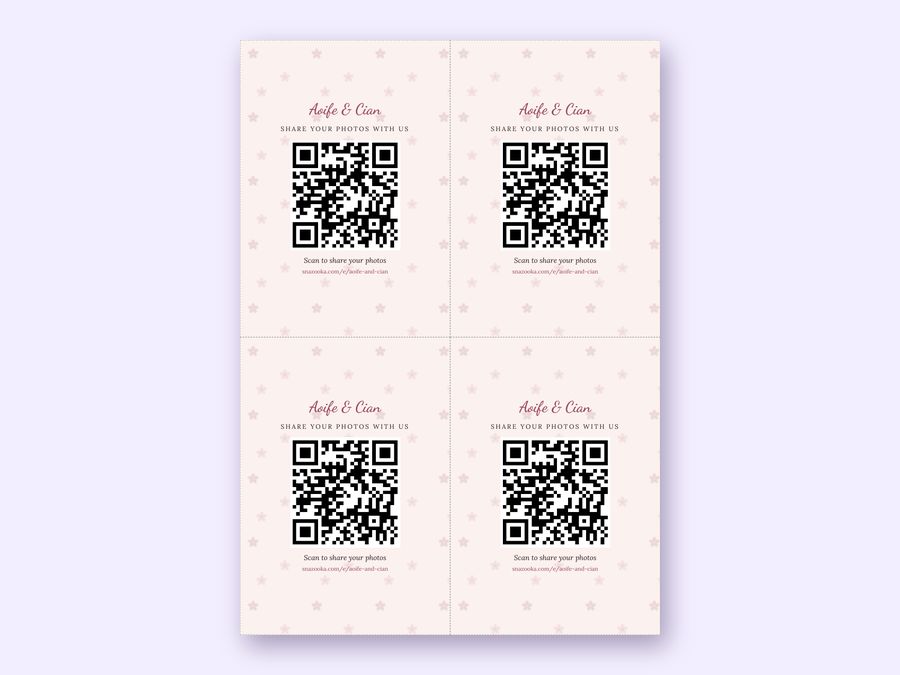
| Postcards | Four to a sheet, A6 size | Table frames and place settings |
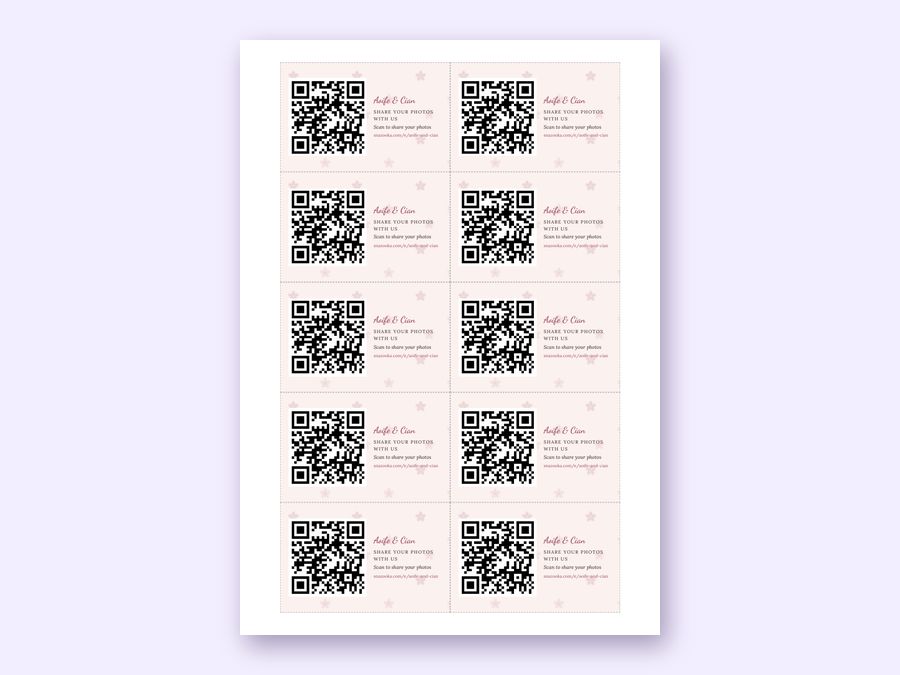
| Business cards | Ten to a sheet, 85 by 55 mm | Place settings, favours, or handing out on the night |
| The code on its own | PNG and SVG files | Your own invitations, menus, table plan or welcome board |
At home. Open the QR page from your event, pick the format, and press Print. Set the scale to 100% (sometimes called Actual size) and turn on background graphics, so the colours and patterns print. For table cards and business cards, a heavier paper or card makes all the difference: 250 to 300 gsm feels like proper stationery.
At a print shop. Choose Save as PDF in the print window and send them the file. Any print shop can do A3 posters and cut business cards for you, usually the same day.
With your own stationery. If you've had invitations, menus or a table plan designed, download the code on its own and give it to your designer, or drop it into Canva or Word yourself. The SVG stays sharp at any size; the PNG works everywhere.
The screen shows the code too, in the corner, so anyone looking at the photos can join in.
Yes. Every event can print as many as it likes, in every format, including events on the Free plan.
Yes. The code points to your event's address, which never changes. You can reprint in a different look and old and new cards both work.
Yes. Set the event up free, print the cards, and upgrade whenever you're ready. The code stays the same.
At least 2 cm across for a phone to read it from arm's length, and bigger for further away. Our table cards use 3.4 cm, the sign 4.6 cm, and an A3 poster about 9 cm.
You can, though it's better on the day: on the tables, the menus or the welcome board. Guests who scan an invitation weeks before will find an event that hasn't started.
Yes. Switch between A4 paper and US Letter on the QR page, and every format changes to suit.
More answers in the questions on the home page.