
Hen and stag weekends, christenings and communions, 21sts, engagement drinks, retirements and the club dinner dance. If there's a room full of people taking photos on their phones, Snazooka puts them on the screen and keeps them all for you afterwards.

Christenings and communions. The whole extended family in one room, half of whom you only see at these. Everyone's photos of the child end up in one album instead of scattered across a dozen phones.
21sts and engagement parties. The screen on the TV in the function room, the cards on the tables, and old photos of the pair mixed in with the night's.
Hen and stag weekends. Set it up for the Saturday night. Turn on approval if you'd rather vet what goes up, and remember that only people with the link can see the album.
Retirement dos and club nights. The GAA presentation night, the golf club dinner dance, the choir's Christmas drinks. Put the club crest on it and let the members do the rest.
Family reunions. The one night a year everyone's together. Ask people to bring old photos on their phones and share them during the evening.
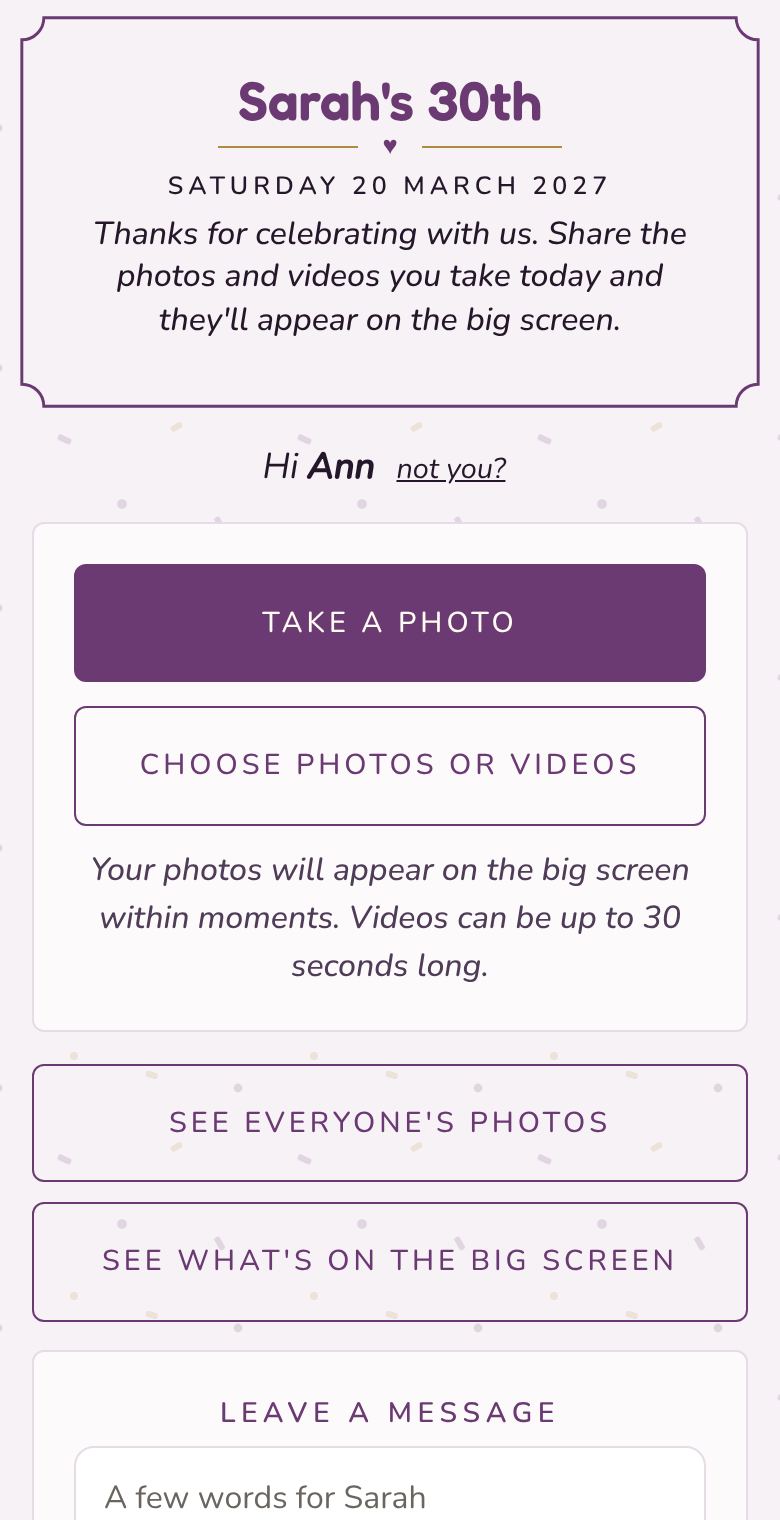
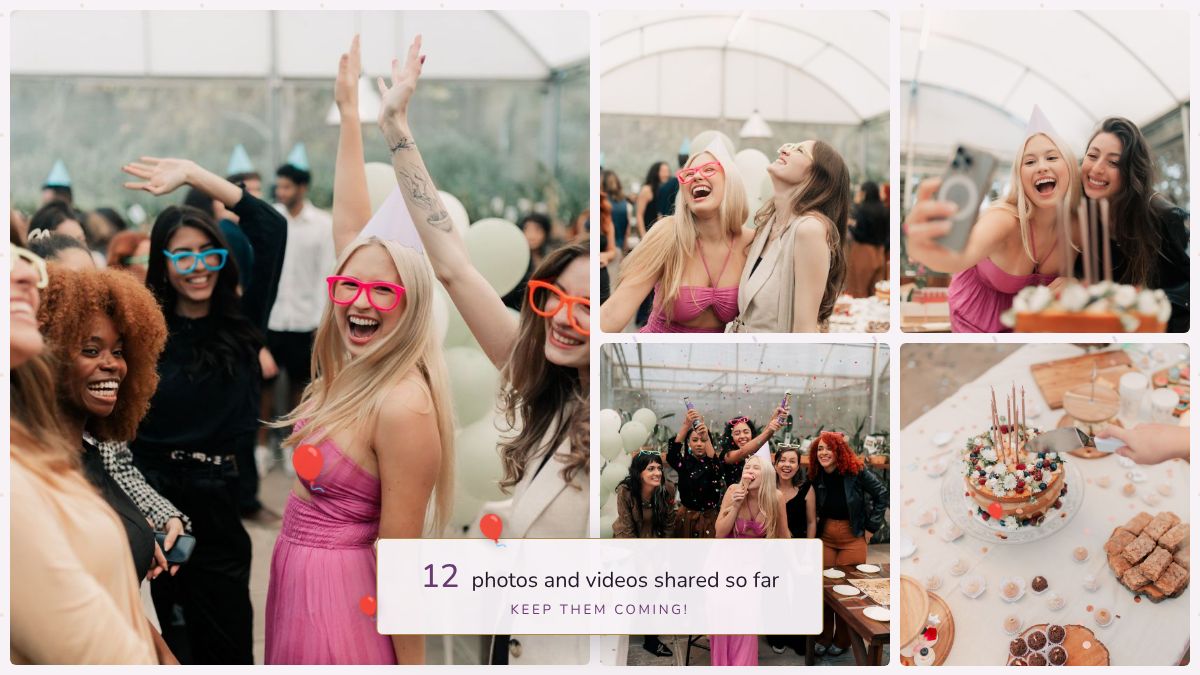
Seven font pairings, a dozen colour schemes, frames, backgrounds and floating hearts, stars or balloons, plus your own picture or crest. Change it as often as you like before the day, and watch the screen and the cards update as you go.
The Event plan is €24.99 €29.99, with up to 2,000 photos and 100 videos. For a small family do, the Free plan's 25 photos may be all you need. More about pricing.
Yes, with two things worth knowing. Only people with the link or QR code can see the album, so it stays within the group. And you can turn on approval so nothing goes on the screen until you've said yes.
Yes. If the restaurant has a TV in your area, plug a laptop in. If not, a laptop or tablet on a side table works for a smaller group, and everyone can still see the album on their phones.
Yes. Upload it as the logo when you set up the event and it appears above the heading on the screen, the guest page and the cards.
Guests upload over their own phone data, so they don't need the venue's Wi-Fi. The screen needs a connection, and a phone hotspot is usually enough. If it drops, the screen keeps showing what it already has.
You can look through them and download everything at full size from your event's page. Guests can see the album for 30 days on the Event plan. We delete the event 90 days after uploads close.
More answers in the questions on the home page.