
Put a QR code on the tables and every guest can add the photos and videos they take straight from their phone, with no app and no account. They all land in one album for you, at full size, and if you'd like, they go up on a big screen at the reception as the night goes on.
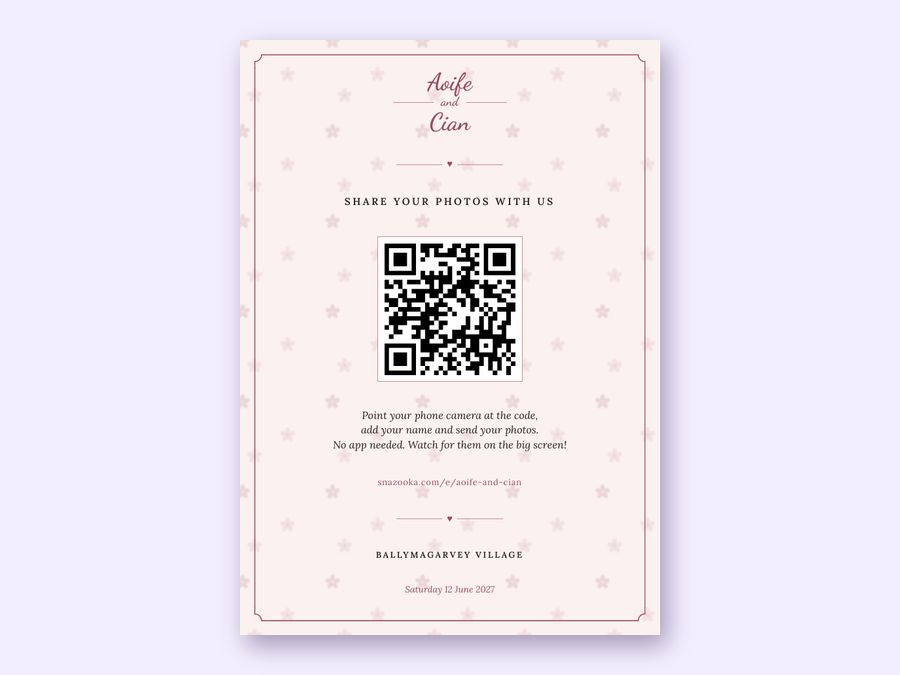
This is wedding photo sharing at its simplest: one code, every guest, one album.
We'd leave it off the invitations and the thank-you cards. Guests who scan weeks before find an event that hasn't started, and by the time thank-you cards go out, uploads have usually closed.
Every event comes with table cards, postcards, business cards, a sign and posters in the same look as your screen. See all the QR card formats. If you've had stationery designed, download the code on its own and give it to your designer.
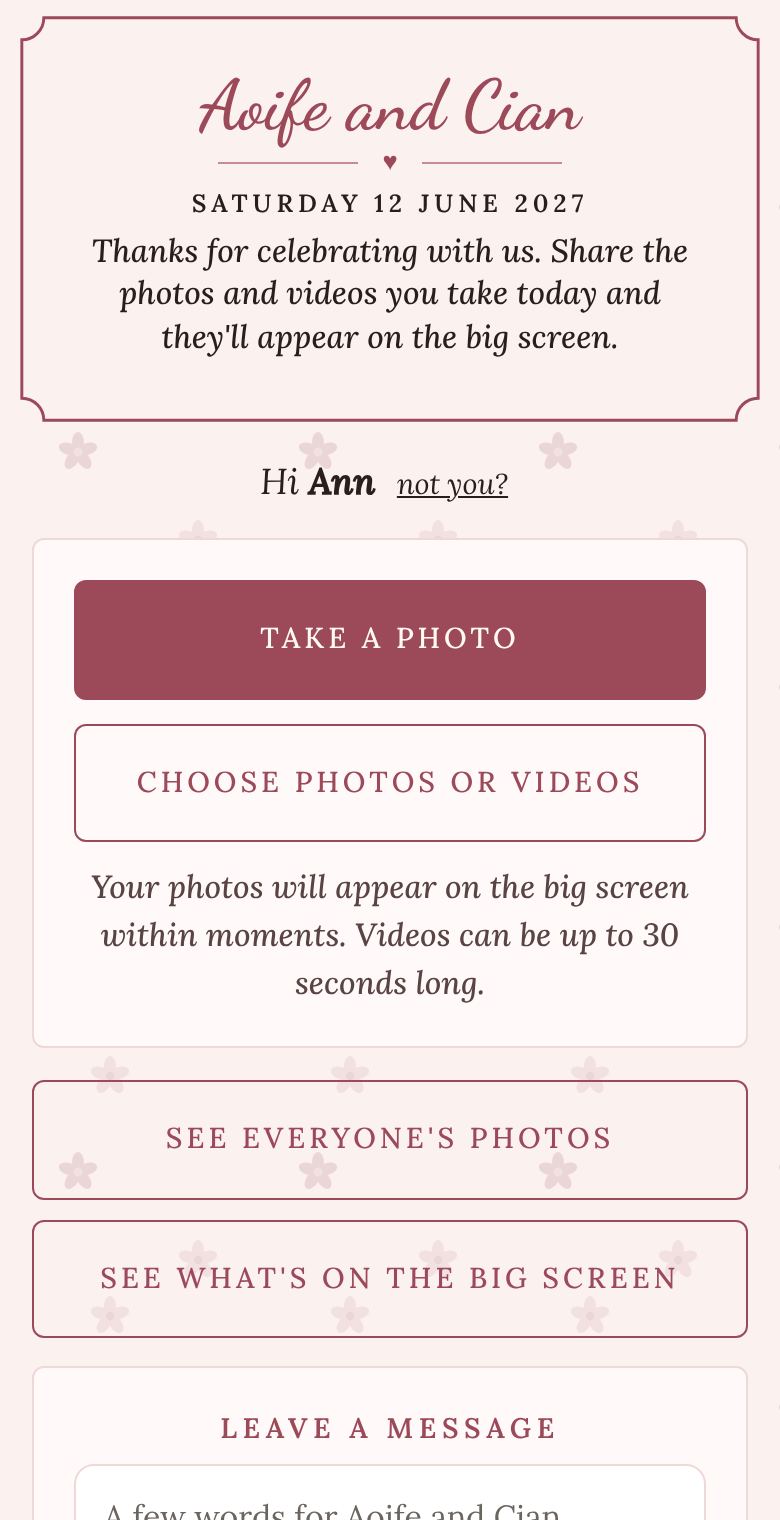
Guests can choose photos they've already taken, not just new ones, so the getting-ready photos from the morning and the shots from the drinks reception all go in. On the Event plan, uploads stay open until a week after the wedding, so whoever forgot on the night can add theirs from the hotel breakfast or the sofa a few days later.
Each photo is sent twice: a smaller copy first so it shows up quickly, then the original at full size in the background. When you download, you get the originals, videos included, in one zip file from your event's page.
The same QR code can put every photo on a screen at the venue as it's taken, as a live slideshow through the meal and the dancing, with guests' messages in between. It's the part people talk about afterwards, and it's what gets them sharing. There's more on our wedding photo wall page.
You can put any link on a QR code, and a shared Google Photos album or a Dropbox file request does work. Plenty of couples do it. The differences are worth knowing, though.
If you'd like to compare every method, from the WhatsApp group to disposable cameras, see our guide to collecting photos from your guests.
No. They scan the QR code with their phone's camera, type a first name, and share. It works on any iPhone or Android phone.
Yes. They can choose several photos and videos from their camera roll at once, as well as taking new ones.
Yes. On the Event plan uploads stay open until a week after the wedding. On the Free plan they close the morning after.
Yes. A smaller copy goes first so the photo appears quickly, and the original follows in the background. Your download has the originals.
The cards come in the same fonts, colours and background as your screen, which you choose. For stationery you've had designed, download the code on its own as a PNG or SVG and add it in.
Up to 2,000 photos and 100 videos on the Event plan, which is more than most weddings share. The Free plan takes 25 photos, enough to try it out at home first.
More answers in the questions on the home page.